How to Set Up a Minecraft SMP Server for Friends: Complete Guide
Learn how to start your own Minecraft SMP server from scratch. Covers planning, hosting, essential plugins, spawn builds, rules templates, and growing your community.
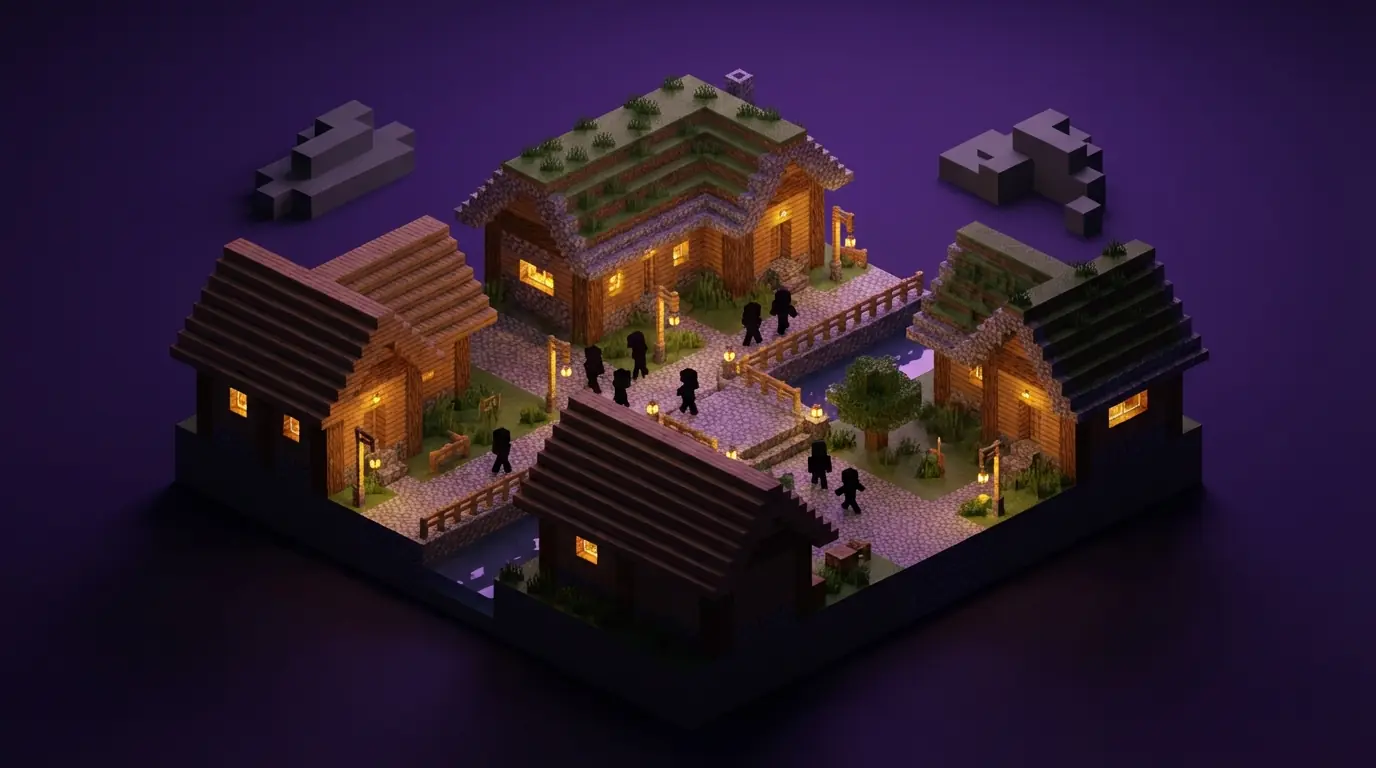
Starting a Minecraft SMP with your friends is one of the most rewarding things you can do in gaming. There is something special about building a shared world where every structure has a story, every farm was a collaboration, and every drama is legendary. But getting from “hey, let’s start an SMP” to a thriving, well-run server requires more planning than most people expect.
This guide walks you through every step: from deciding what kind of SMP you want, to choosing the right server specs, installing plugins, building a welcoming spawn, and keeping players engaged for months. Whether you are launching with five close friends or aiming for a community of fifty, this guide gives you everything you need.
1. What Is an SMP and Why Start One?
SMP stands for Survival Multiplayer. It is the core Minecraft experience: gather resources, build structures, fight mobs, and progress through the game together. What separates a great SMP from a generic survival server is the social layer. The best SMPs have shared lore, long-running storylines, player-driven economies, and communities that log on because they genuinely want to see what their friends built overnight.
Popular content creators like Hermitcraft and Dream SMP brought SMPs into mainstream gaming culture, but you do not need a YouTube audience to have that kind of fun. Private or semi-public SMPs with tight-knit communities consistently produce the most memorable Minecraft experiences.
Why host your own SMP instead of using Realms?
Minecraft Realms is fine for very casual play, but it has hard limits: no plugins, limited world customization, player caps, and no control over server software. Hosting your own server gives you full control. You choose the version, the mods, the plugins, the rules, and the community. That control is what makes SMPs special.
2. Planning Your SMP
Before you touch a server panel, spend time on these planning decisions. Getting them right upfront saves a lot of headaches later.
Define Your Theme and Vibe
What kind of SMP do you want? The answer shapes every other decision.
- Vanilla or near-vanilla: Minimal plugins, focus on pure survival, usually works best for small friend groups who just want to play together.
- Hermitcraft-style: Custom plugins for economy, land claiming, and community events. More structure, longer-term engagement.
- Hardcore: One life per player. Extremely intense, small groups only.
- Themed season: The server runs for a set duration (3 to 6 months), then resets with a new theme. Keeps things fresh.
- Modded: Mods like Create, Cobblemon, or kitchen-sink modpacks. Requires more server resources and technical setup.
Whitelist vs. Public
Whitelist servers (recommended for friend groups) only allow approved players. You control exactly who joins. Much less moderation overhead, virtually no griefing, and the community stays tight.
Public servers can grow organically but require significantly more moderation, anti-grief plugins, and community management. Start whitelisted; you can always open up later.
Set Your Rules Before Launch
Do not skip this. Unwritten rules cause conflict. Decide on these before your first player logs on:
- Is PvP allowed? Opt-in only? Specific zones?
- How is griefing handled? What counts as griefing?
- Can players steal from unlocked chests?
- Are there any build zones or reserved areas?
- What is the process for reporting problems?
Write these down. You will publish them in-game at spawn and pin them in your Discord.
3. Choosing Server Specs
Getting server specs wrong is one of the most common mistakes new server owners make. Too little RAM and the server crashes constantly. Too much and you are paying for resources you never use.
RAM Guidelines
| Players | Vanilla | Lightly Modded | Heavily Modded |
|---|---|---|---|
| 1-5 | 2 GB | 4 GB | 6-8 GB |
| 6-15 | 3-4 GB | 6 GB | 8-12 GB |
| 16-30 | 5-6 GB | 8 GB | 12-16 GB |
| 31-50 | 8 GB | 12 GB | 16+ GB |
These are starting points. Plugins add overhead. Each active plugin typically costs 50-200 MB. A server running 15 plugins with 20 players should have at least 6 GB.
Java vs. Bedrock
If all your players use Java Edition (PC), run a Paper or Purpur server. These are optimized forks of Vanilla that dramatically improve performance and support the entire Spigot/Paper plugin ecosystem.
If you have friends on mobile, console, or Windows 10/11 Bedrock Edition, you need Geyser. Geyser is a proxy that translates the Bedrock protocol to Java, letting both player types join the same server. It is a must-have for modern SMPs where your friend group spans different platforms.
World Size and Pre-generation
Large worlds with many loaded chunks kill performance. Set a world border and pre-generate the map before players join. The Chunky plugin is the best tool for this. A 5,000-block radius border generates quickly and gives players plenty of room without destroying server performance.
4. Setting Up the Server Step by Step
Step 1: Choose a Hosting Provider
Self-hosting on your home PC is an option, but it comes with drawbacks: your internet upload speed limits performance, your server goes down when your computer does, and you expose your home IP address to everyone who connects.
A dedicated Minecraft hosting provider handles the infrastructure so you can focus on running the community. Look for providers with servers located close to your players to minimize latency. For players in Southeast Asia, Singapore-based servers deliver the best ping. CraftRift, for example, runs Singapore servers starting at $3/month with Geyser crossplay included, which covers both the location and the cross-platform needs of most friend groups.
Step 2: Select Your Server Software
Log into your hosting panel (most providers use Pterodactyl) and select your server type.
- Paper - Best choice for most SMPs. Highly optimized, full plugin support, actively maintained.
- Purpur - Built on Paper with extra configuration options and some quality-of-life additions.
- Fabric - Use this if you want mods rather than plugins. Does not support Bukkit/Spigot plugins.
- Forge - Traditional mod loader. Better for large modpacks but heavier on resources.
For a plugin-based SMP, Paper is the right choice.
Step 3: Configure server.properties
Download your server.properties file and configure these key settings:
# Server identity
server-name=YourSMPName
motd=\u00a7aYour SMP \u00a77| \u00a7fJoin the adventure

# Performance
view-distance=8
simulation-distance=6
max-players=30

# Gameplay
difficulty=normal
gamemode=survival
pvp=false
spawn-protection=16

# World
level-name=world
allow-nether=true
allow-end=true
Set pvp=false initially. You can enable it later or use a plugin to create opt-in PvP zones.
Step 4: Configure paper-world-defaults.yml
Paper stores world-level configuration in config/paper-world-defaults.yml. Key settings for an SMP:
# config/paper-world-defaults.yml
entities:
  spawning:
    per-player-mob-spawns: true
environment:
  optimize-explosions: true
chunks:
  max-auto-save-chunks-per-tick: 12
Step 5: Set Up Your Whitelist
Enable whitelist in server.properties:
white-list=trueThen add players via console:
whitelist add PlayerNameOr use a whitelist plugin like Whitelist Plus for a submission form your players can fill out.
5. Essential SMP Plugins
These are the plugins every well-run SMP should have. Each one solves a real problem that comes up when players are sharing a world.
Sleep Vote
Plugin: BetterSleeping or SleepMost
Vanilla Minecraft requires all players to sleep simultaneously to skip the night. With more than two people online, this becomes a constant annoyance. SleepMost lets you set a percentage threshold (usually 50%) so night skips when half your players are sleeping.
# sleepmost/config.yml
sleep-percentage: 50
messages:
  sleeping-announcement: "%player% is sleeping (%sleeping%/%needed%)"
  morning-announcement: "Good morning! A new day begins."
Teleport and Home System
Plugin: EssentialsX
EssentialsX is the backbone of almost every Minecraft server. It provides home setting, warps, teleport requests, and dozens of utility commands. Install EssentialsX and EssentialsX Chat at minimum.
Key commands your players will use constantly:
/sethome [name]- Save a location/home [name]- Return to saved location/tpa [player]- Request teleport to a player/warp spawn- Teleport to spawn
Configure the teleport delay to prevent abuse:
# essentials/config.yml
teleport-cooldown: 3
teleport-delay: 3
homes-per-group:
  default: 5
Land Claiming
Plugin: GriefPrevention or Lands
Land claiming is non-negotiable for any SMP with more than three players. Without it, accidental damage and grief accusations destroy communities.
GriefPrevention is battle-tested and easy to use. Players earn claim blocks by playing (configurable) and use a golden shovel to claim land. Claimed land cannot be modified by other players.
# GriefPrevention/config.yml
Claims:
  InitialBlocks: 500
  BlocksAccruedPerHour_Default: 100
  MaxAccruedBlocks_Default: 50000
  AutomaticNewPlayerProtection: true
For larger communities, Lands is a newer alternative with towns, nations, and rent features that add depth to server politics.
Chat Management
Plugin: EssentialsX Chat + LuckPerms
EssentialsX Chat handles formatting. LuckPerms handles permissions and rank prefixes. Together they give you colored chat, rank indicators, and the ability to organize players into groups.
Example chat format in EssentialsX Chat:
# essentials/config.yml
chat:
  format: '&8[&r{DISPLAYNAME}&8] &r{MESSAGE}'
  radius: 0
6. Creating Your Spawn Area
Spawn is the first thing every player sees. A good spawn communicates the server’s identity, provides essential information, and gets players into the world quickly.
World Border and Spawn Protection
Set a world border before anyone starts building. Use the vanilla command:
/worldborder set 10000
/worldborder center 0 0
A 10,000-block diameter (5,000 radius) is generous for up to 30 players. For smaller servers, 6,000-block diameter is plenty.
Enable spawn protection in server.properties to prevent modification of the area near 0,0:
spawn-protection=64What Your Spawn Needs
A functional SMP spawn should have:
- Rules board - Visible, readable signs or a book dispenser with your rules
- World map - Use Dynmap or a custom-painted map room
- Starter kit area - Optional but nice: a chest with basic supplies for new players
- Portal or path to the wild - A clear route out of spawn into the survival world
- Player mailboxes - A row of labeled chests for item exchanges
- Warp signs - Quick access to community farms, markets, or notable builds
Spawn Building Tips
Keep spawn functional over decorative, at least initially. A clean, readable spawn beats an impressive one that confuses new players. Use directional signs. Make the rules board impossible to miss. Keep the path to the wild clearly marked.
7. Quality of Life Features
These additions are not strictly necessary but consistently make SMPs significantly more enjoyable.
Dynmap
Plugin: Dynmap
Dynmap generates a live, Google Maps-style view of your world accessible from a web browser. Players love it for exploring, planning builds, and showing off their creations to friends who are not online.
After installing, access it at http://your-server-ip:8123. The port needs to be open in your server firewall settings, which most hosting panels handle automatically.
Discord Bridge
Plugin: DiscordSRV
DiscordSRV connects your Minecraft server chat to a Discord channel. Messages sent in-game appear in Discord, and Discord messages appear in-game. This keeps offline players connected to what is happening and dramatically reduces the friction of community communication.
# DiscordSRV/config.yml
BotToken: "your-bot-token-here"
Channels:
  global: "your-discord-channel-id"
MinecraftToDiscordMessageFormat: "**%username%**: %message%"
DiscordToMinecraftMessageFormat: "&b[Discord] &f%username%&7: %message%"
Shared Economy
Plugin: EssentialsX Economy + ChestShop or ShopGUI+
Player-driven economies give your SMP long-term goals. EssentialsX Economy provides the currency layer. ChestShop lets players create physical shops using signs on chests. Players can set up stores at spawn or in a dedicated market district.
# ChestShop sign format
[PlayerName]
[Quantity]
[Price Buy:Sell]
[Item name or ID]
8. SMP Rules Template
Copy, paste, and adapt this for your server. Post it at spawn and pin it in Discord.
[Your SMP Name] Community Rules
Respect
- Treat all players with respect. Harassment, slurs, and intentional bullying result in immediate removal.
- Keep chat friendly. This includes voice channels on Discord.
Griefing and Stealing
- Griefing (intentionally destroying or modifying another player’s builds without permission) is banned.
- Stealing from locked chests is not allowed. Unlocked chests are taken at your own risk; lock your chests.
- Explosions near other players’ builds require prior agreement.
PvP
- PvP is off by default. Consensual PvP between willing players is fine.
- No killing pets or animals belonging to other players.
Building
- Build at least 200 blocks from another player’s claim before starting a large project.
- No offensive or inappropriate builds.
- Leaving floating trees and open mines is poor form. Clean up after yourself.
Economy and Trading
- No duplication exploits. Report bugs; do not abuse them.
- Scamming in trades is not allowed.
Inactivity
- Players inactive for 60+ days may have their claims reduced. Contact an admin if you need an extension.
Staff Decisions
- Staff decisions are final. Raise concerns respectfully in the designated Discord channel.
9. Growing Your SMP Community
Getting from a five-person friend group to a thriving server of 50 is a gradual process. Here is how to do it sustainably.
Start Small and Tight
Launch with people you know and trust. The first season of any SMP sets the culture. If the founding group is positive, collaborative, and engaged, that culture tends to persist as the server grows.
Events Create Engagement
Regular events keep people logging on even when they have finished their personal projects.
- Building contests - Theme a competition monthly, give a small prize
- Community projects - Build a road network, a railway line, or a shared nether hub together
- Game nights - PvP tournaments, spleef arenas, parkour races
- Season finales - End each season with a boss fight or community event before the reset
Referral Growth
The best way to grow a whitelist server is player referrals. Happy players invite friends. Make inviting friends easy by having a simple whitelist application process, ideally a short Discord form.
Showcase Your World
Regular screenshots in Discord, speed build videos, and Dynmap links give potential players a reason to want in. You do not need to be a content creator; a well-organized Discord with a gallery channel does the job.
Moderation Scales With Size
At 5 players, you can handle everything yourself. At 20 players, you need at least one trusted moderator. At 50 players, you need a team of three to four moderators with clear roles. Plan for this before you need it, not after a crisis forces your hand.
Providers like CraftRift include server management tools that make it easy to add operator permissions for moderators and manage player data without touching the command line.
10. Common SMP Problems and Solutions
Problem: Player Conflict Over Land
Symptom: Two players build too close and argue about whose base was there first.
Solution: Establish a land claiming plugin from day one. GriefPrevention prevents most of these disputes automatically. For unclaimed land disputes, check /co inspect logs (CoreProtect plugin) to determine who placed blocks first.
Problem: Griefing on a Whitelist Server
Symptom: Someone you trusted griefed builds after a falling out.
Solution: CoreProtect is essential. Install it immediately. Every block placement and break is logged. Run /co rollback u:PlayerName t:24h to reverse up to 24 hours of damage. Ban the player and invite someone else.
Problem: Server Lag
Symptom: TPS (ticks per second) drops below 20, causing block lag and entity teleportation.
Solution: Check /tps to confirm the issue. Then use the Spark profiler plugin to identify the cause. Common culprits:
- Too many entities (mob farms, loose animals): Cull mobs with
/kill @e[type=!player]or add mob caps - Redstone clocks: Ask players to add off switches
- Chunk generation: Pre-generate the world with Chunky
- Insufficient RAM: Upgrade your plan
Problem: Player Inactivity
Symptom: Half your whitelist is inactive and the server feels empty.
Solution: Set a clear inactivity policy upfront (see rules template). Remove inactive players from the whitelist after 60 days. Replace them through referrals. Consider shrinking the world border for a cozier feel with fewer players.
Problem: Drama and Politics
Symptom: Two players are feuding and dragging the whole server into it.
Solution: Address it privately first. Message both players separately. If behavior is rule-breaking, enforce the rules consistently regardless of how long someone has been on the server. Favoritism destroys communities faster than any griefer.
11. Frequently Asked Questions
How much does it cost to run an SMP server?
For a small friend group of 5-10 players, a 2-4 GB RAM plan costing $3-8/month is sufficient. Larger communities of 20-50 players need 6-8 GB, typically $12-20/month. These costs are often split among active players.
Do I need a dedicated IP address?
No. Most hosting providers give you an IP with a port number (like 192.168.1.1:25565). You can optionally purchase a custom domain and point it to your server for a cleaner address (like play.yourserver.com).
What Minecraft version should I run?
Run the latest stable release unless your players specifically want an older version. Always check that your chosen plugins support the version before upgrading. Paper updates to new versions quickly; most major plugins follow within a week or two.
Can Bedrock and Java players play together?
Yes, with Geyser. Install Geyser and Floodgate on your Paper server. Bedrock players connect on port 19132 while Java players use the standard port. Some minor interface differences exist but the gameplay is seamless. Many hosting providers now include Geyser support in their standard plans.
How do I back up my world?
Most hosting panels include an automatic backup feature. Enable it and keep at least 7 days of rolling backups. For manual backups, compress your world folder (the world, world_nether, and world_the_end folders) and download them locally. Before any major plugin update or version upgrade, always create a manual backup first.
How long should a server season last?
Three to six months is the sweet spot for most SMPs. Long enough to accomplish major projects and build community lore, short enough that players stay engaged and the reset feels exciting rather than dreaded. Announce the season end date at launch so players can plan their projects.
What do I do when a player cheats?
Install a server-side anti-cheat like Grim Anticheat. Review alerts and use CoreProtect logs to verify before banning. False positives happen, so gather evidence before acting. A clear anti-cheat policy in your rules (and consistent enforcement) deters most cheating.
Running a Minecraft SMP is a commitment, but it is one of the most genuinely fun things you can do in gaming. The moments your community will talk about for years, the accidental explosions, the long-running jokes, the massive collaborative builds, come from the chaos of shared survival. The server infrastructure is just the container. The community is the game.
Set it up right, define your rules clearly, use good plugins, and then get out of the way. Your players will create the stories themselves.
Good luck, and happy building.
Related Articles
How to Start a Minecraft Server (2026) — 15-Min Setup
Start a Minecraft server in under 15 minutes. Step-by-step for Java + Bedrock with port forwarding, plugins, and security basics. Free tools included.
tutorialsMinecraft Java + Bedrock Crossplay with Geyser: Setup Guide
Set up Geyser for Minecraft Java and Bedrock crossplay. Let Bedrock players join your Java server.
comparisonsBest Minecraft Server Hosting for Southeast Asia (2026)
Compare the best Minecraft server hosting providers for SEA players. Low ping Singapore servers, pricing, and features compared.
Free Tools You Might Need
Need Low-Ping Hosting?
CraftRift servers run on dedicated hardware in Singapore. Sub-50ms ping across Southeast Asia, starting at $3/mo.